Review translations: approve or reject
Approve or reject translations that wait for your review, so only text you have checked is published to your store.
Approve or reject translations that wait for your review. Approved text goes to your store. Rejected text is removed so it can be translated again.
이 기능은 문의하시면 켜 드립니다Before you start
Translations wait for review only when the review step is on for your store. Then every new translation is held back instead of being sent to Shopify.
Text you type yourself in the editor does not wait for review. It is saved and sent to Shopify as soon as you save it.
Steps
Open the item
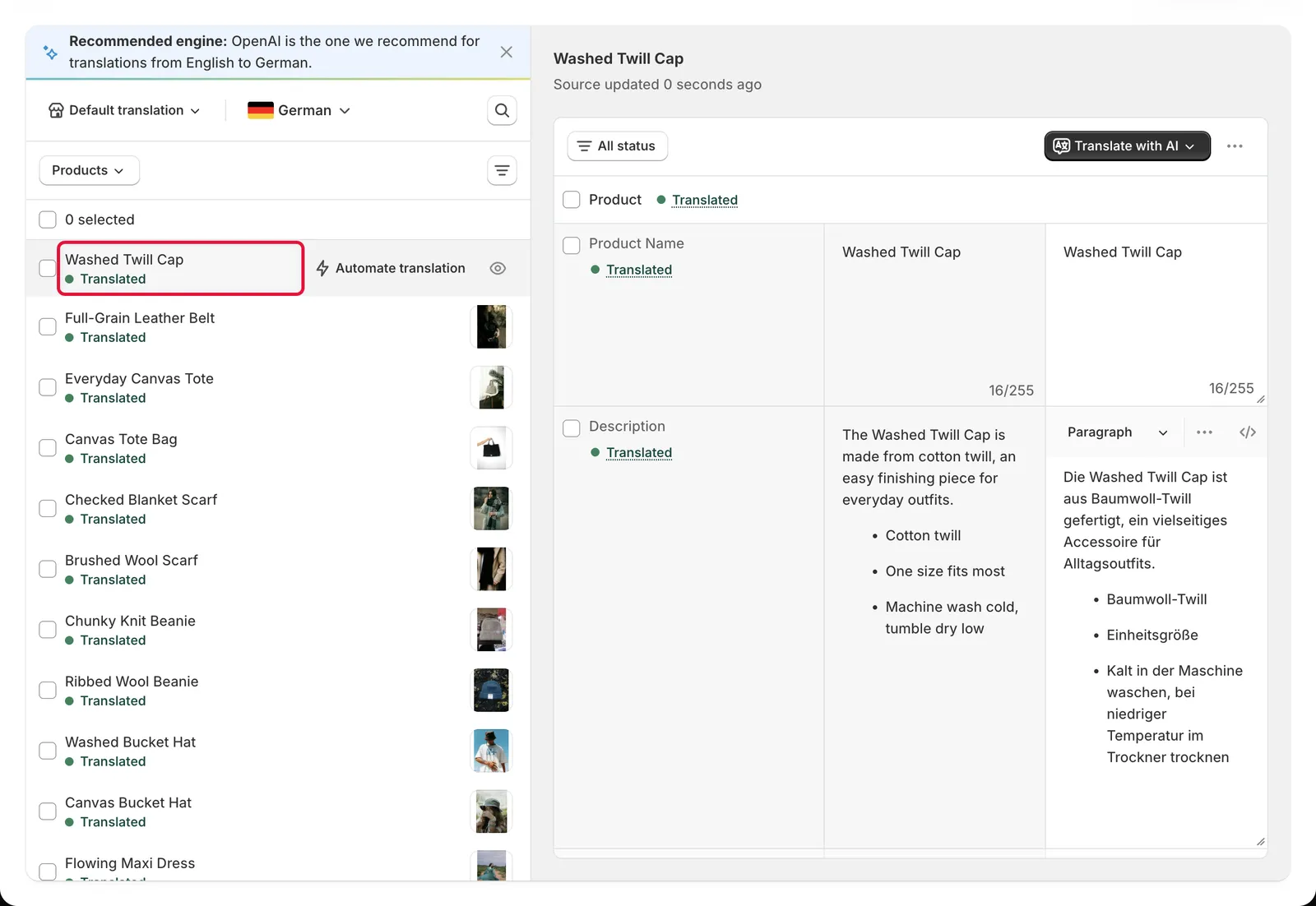
In SmartCS, open 콘텐츠 번역. Choose a language and a content group, then select an item. Content with translations waiting for review has the status 검토 중.
Read the banner
A blue banner at the top of the item says how many translations are waiting. It explains the two choices: 승인하면 스토어에 게시됩니다. 거부하면 삭제되어 다시 번역할 수 있습니다.
Fields that wait for review are marked 검토 중. Read them before you decide.
Approve the translations
Select 승인 to publish every waiting translation of the item to your store. The message 번역이 승인되었습니다 confirms it.
Reject the translations
Select 거부 to remove the machine translations that wait for review. The message 번역이 거부되었습니다 confirms it. The next translation run translates those fields again.
Good to know
- Approve works on the whole item. You cannot approve one field at a time.
- Reject removes only machine text. It keeps text you wrote yourself, imported text, text that came from Shopify and any field that has a conflict.
- A rejected text is kept as an earlier version of the field. See Translation history and revert.
- An approved text keeps its origin. A machine translation still counts as machine text after you approve it.
참고
If a field has a conflict, approving is refused with the message 먼저 충돌을 해결하세요. 그런 다음 번역을 승인하세요.. Resolve the conflict first. See Sync content and resolve conflicts.
To change a translation before you approve it, see Edit translations manually.
관련 문서
Find and filter content to translate
Search your store content, switch between resource groups, and filter the editor list by translation status or product details.
Translation history and revert
See earlier versions of a translated field and put one back, so you can undo a change you did not mean to make.
최종 업데이트: 2026년 11월 18일