Review translations: approve or reject
Approve or reject translations that wait for your review, so only text you have checked is published to your store.
Approve or reject translations that wait for your review. Approved text goes to your store. Rejected text is removed so it can be translated again.
請聯絡我們以啟用此功能Before you start
Translations wait for review only when the review step is on for your store. Then every new translation is held back instead of being sent to Shopify.
Text you type yourself in the editor does not wait for review. It is saved and sent to Shopify as soon as you save it.
Steps
Open the item
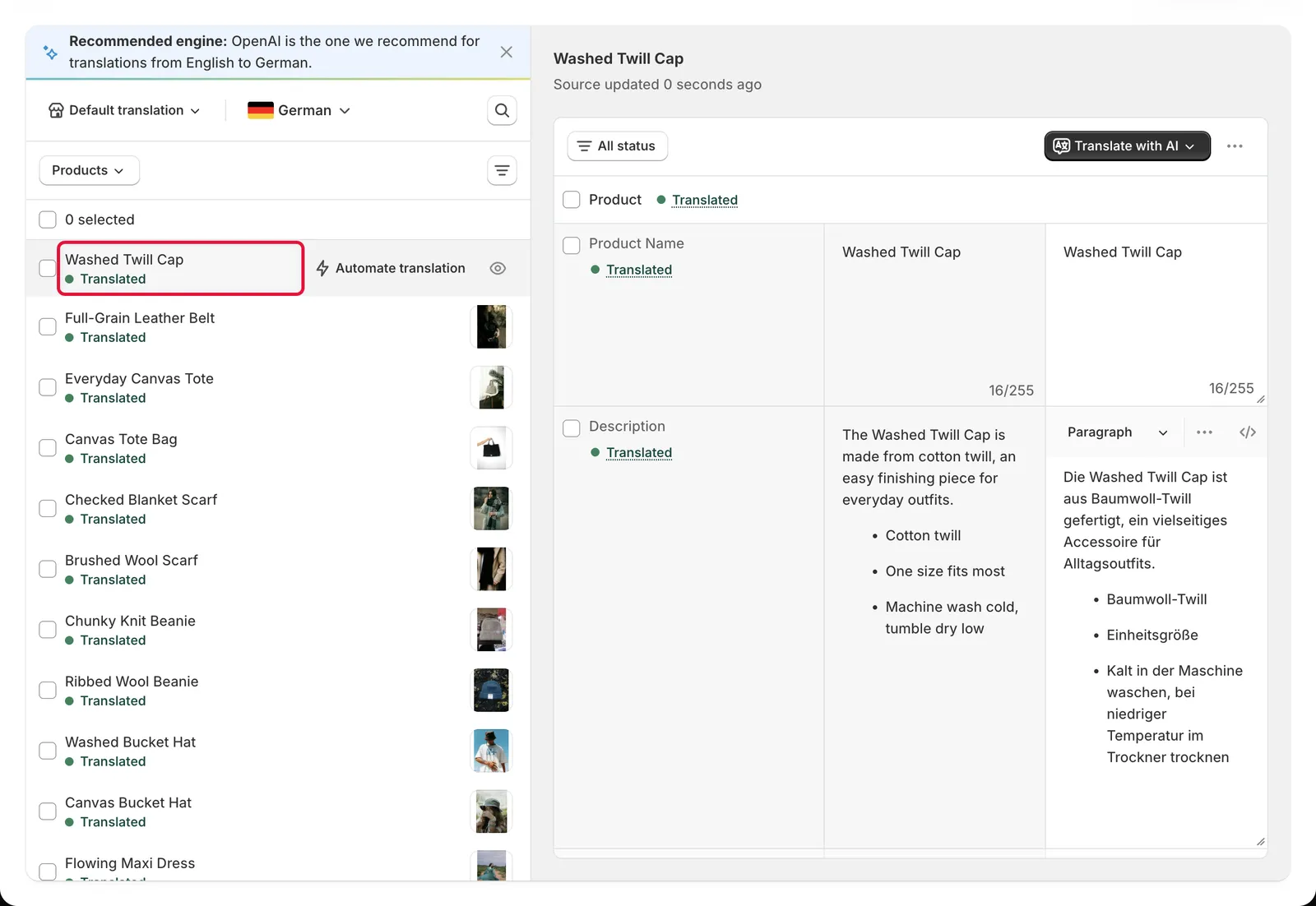
In SmartCS, open 內容翻譯. Choose a language and a content group, then select an item. Content with translations waiting for review has the status 稽核中.
Read the banner
A blue banner at the top of the item says how many translations are waiting. It explains the two choices: 批准會將它們發佈到您的商店。拒絕會將它們移除,以便重新翻譯。
Fields that wait for review are marked 稽核中. Read them before you decide.
Approve the translations
Select 批准 to publish every waiting translation of the item to your store. The message 翻譯已批准 confirms it.
Reject the translations
Select 拒絕 to remove the machine translations that wait for review. The message 翻譯已拒絕 confirms it. The next translation run translates those fields again.
Good to know
- Approve works on the whole item. You cannot approve one field at a time.
- Reject removes only machine text. It keeps text you wrote yourself, imported text, text that came from Shopify and any field that has a conflict.
- A rejected text is kept as an earlier version of the field. See Translation history and revert.
- An approved text keeps its origin. A machine translation still counts as machine text after you approve it.
注意
If a field has a conflict, approving is refused with the message 請先解決衝突,然後再批准翻譯。. Resolve the conflict first. See Sync content and resolve conflicts.
To change a translation before you approve it, see Edit translations manually.
相關文章
Find and filter content to translate
Search your store content, switch between resource groups, and filter the editor list by translation status or product details.
Translation history and revert
See earlier versions of a translated field and put one back, so you can undo a change you did not mean to make.
最後更新:2026年11月18日