Language and currency in one control
Styled to match your theme, with a live preview before you publish.
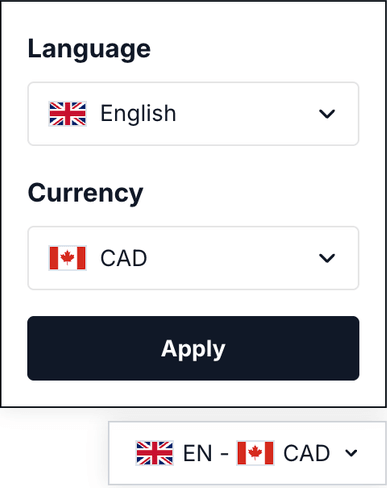
Currency and language together
Most stores run a currency picker from one app and a language picker from another, in two styles competing for the same header space.
Currency
Switching currency converts the prices already on the page.
 USD $
 EUR €
 GBP £
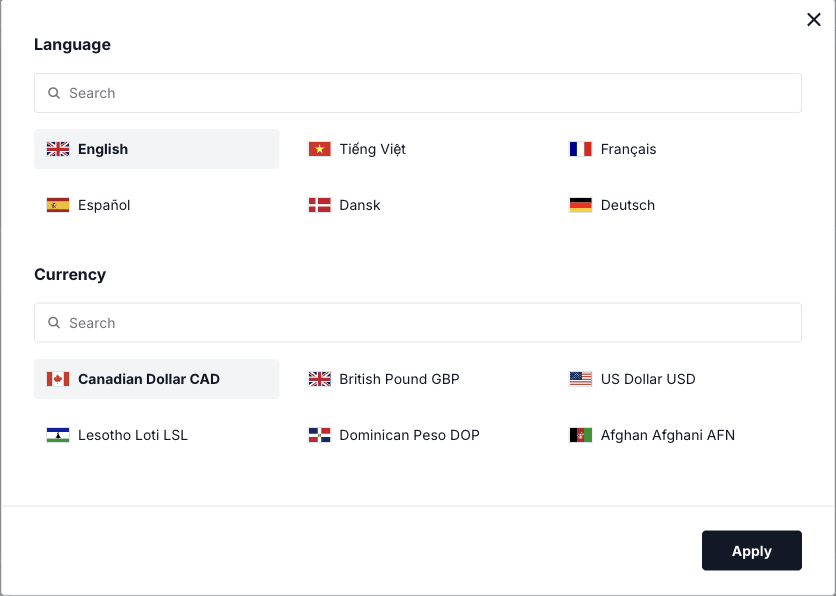
Language
Switching language opens Shopify's own /fr/ URL, so your SEO stays with Shopify.
- English
 Français
 Deutsch
Match it to your theme
Set desktop and mobile separately, and see every change in a live preview before you publish.
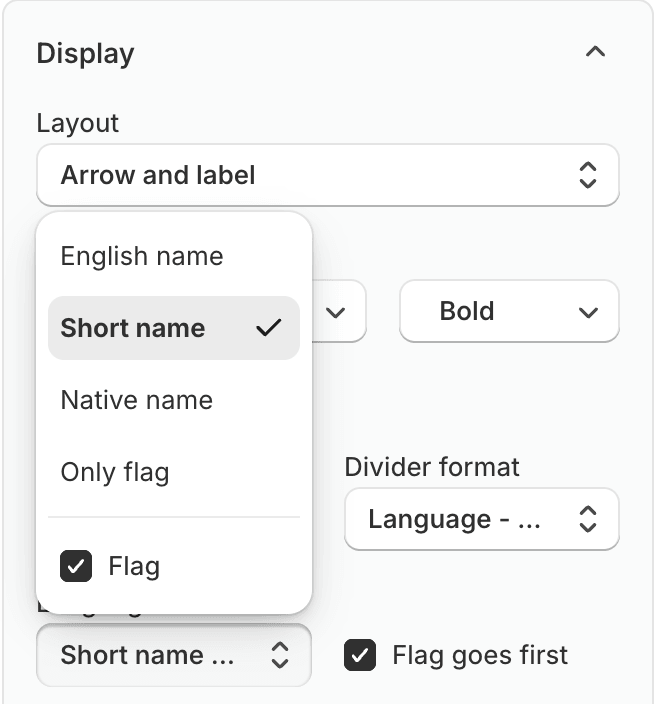
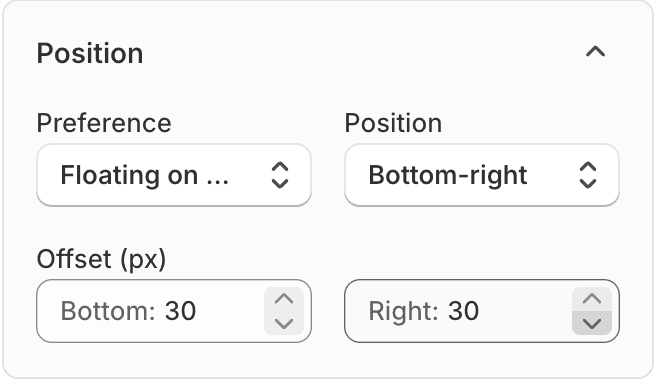
Floating in any of four corners, embedded in your header, a side tab or a top bar.
Right currency on arrival
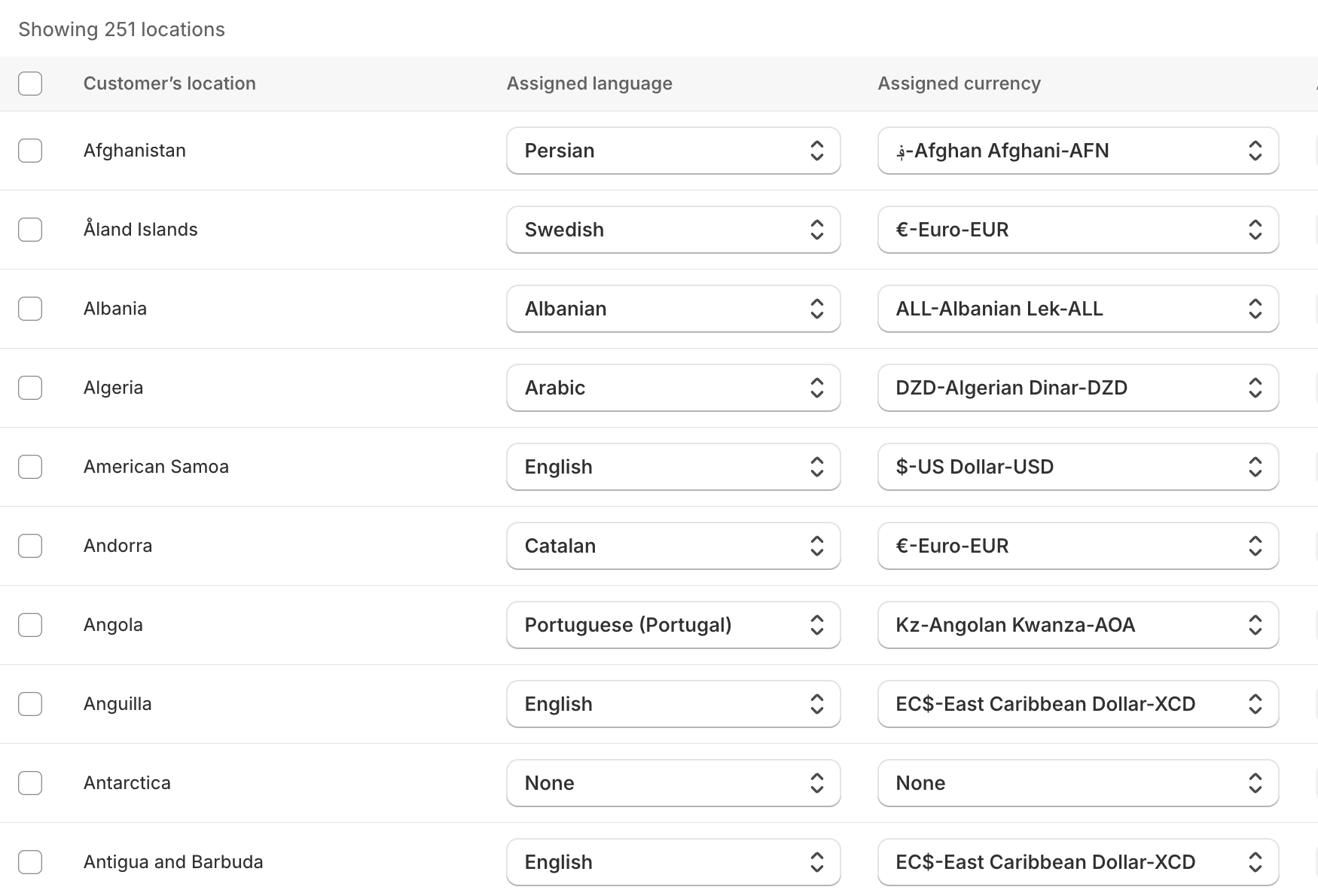
The switcher reads the shopper's location on their first visit. It can switch currency and language for them, or suggest the switch in a pop-up and let them decide.
- Auto switch by locationContact us to turn this on
- Suggest the switch in a pop-upContact us to turn this on

Isolated from your theme
Rendered inside a Shadow DOM
Your theme's CSS and JavaScript cannot reach the widget, and the widget cannot reach them. No theme "select prettifier" plugin can wrap it, restyle it or break it.
A single deferred script
It converts the prices already on the page rather than fetching them again.
Space reserved, no page jump
The widget floats above the page or sits in space set aside for it, so your content doesn't move when it loads.
Start from a template
Six Classic and three Modern. The Free plan uses the default design. To use the other templates, contact us and we'll set them up for your store.
Standard
ClassicContact us to turn this on
Pill
ClassicContact us to turn this on
Square
ClassicContact us to turn this on
Minimal
ClassicContact us to turn this on
Dark
ClassicContact us to turn this on
Compact
ClassicContact us to turn this on
Light
ModernContact us to turn this on
Dark
ModernContact us to turn this on
Pill
ModernContact us to turn this on