
































































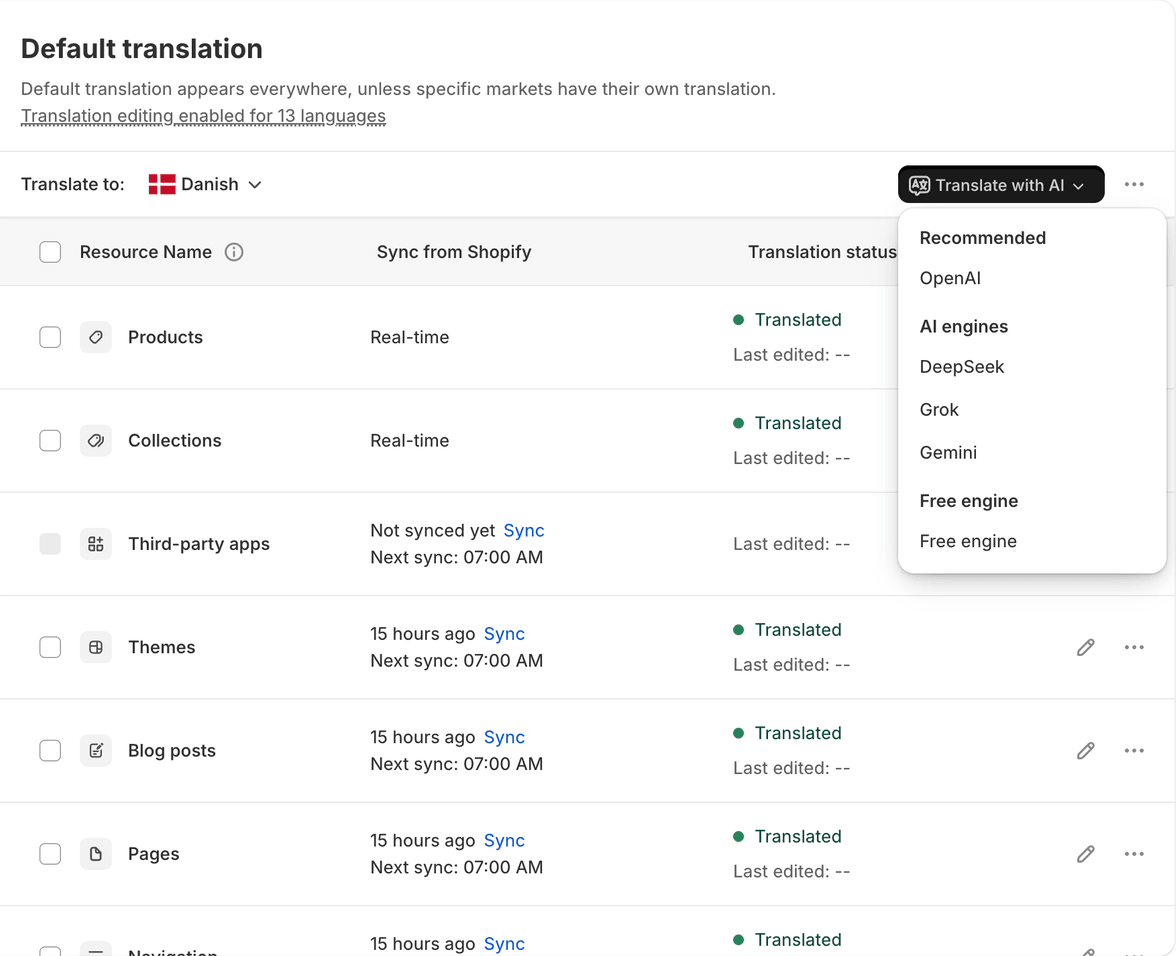
Choose the engine for the job
SmartCS includes a free built-in engine. For AI engines (OpenAI, Gemini, Grok and DeepSeek), contact us and we'll set them up for your store.
- OpenAI
- Gemini
- Grok
- DeepSeek
Translation, currency and multilingual SEO for Shopify, without touching your theme.
4.7 out of 5 from 194 reviews on the Shopify App Store
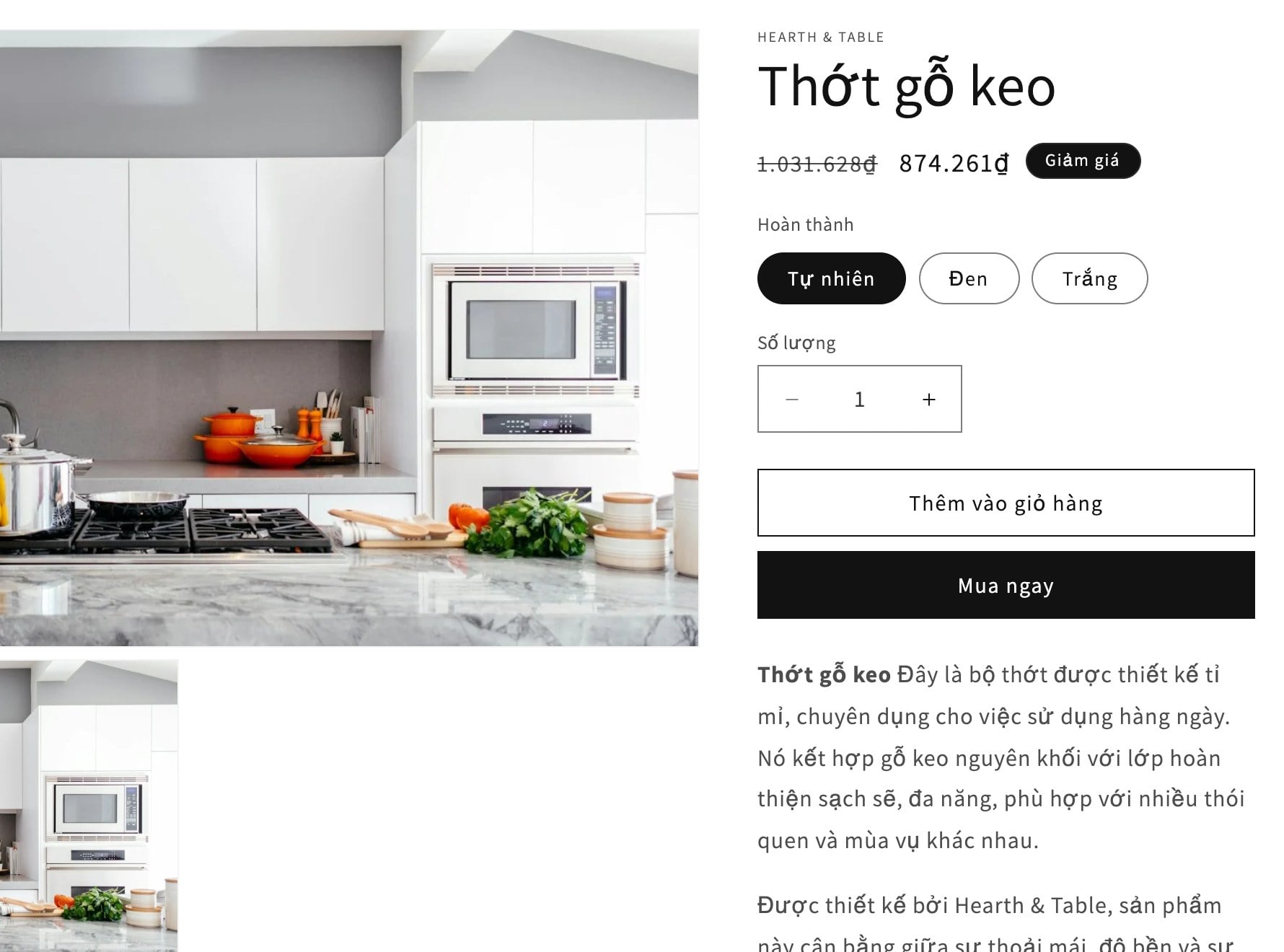
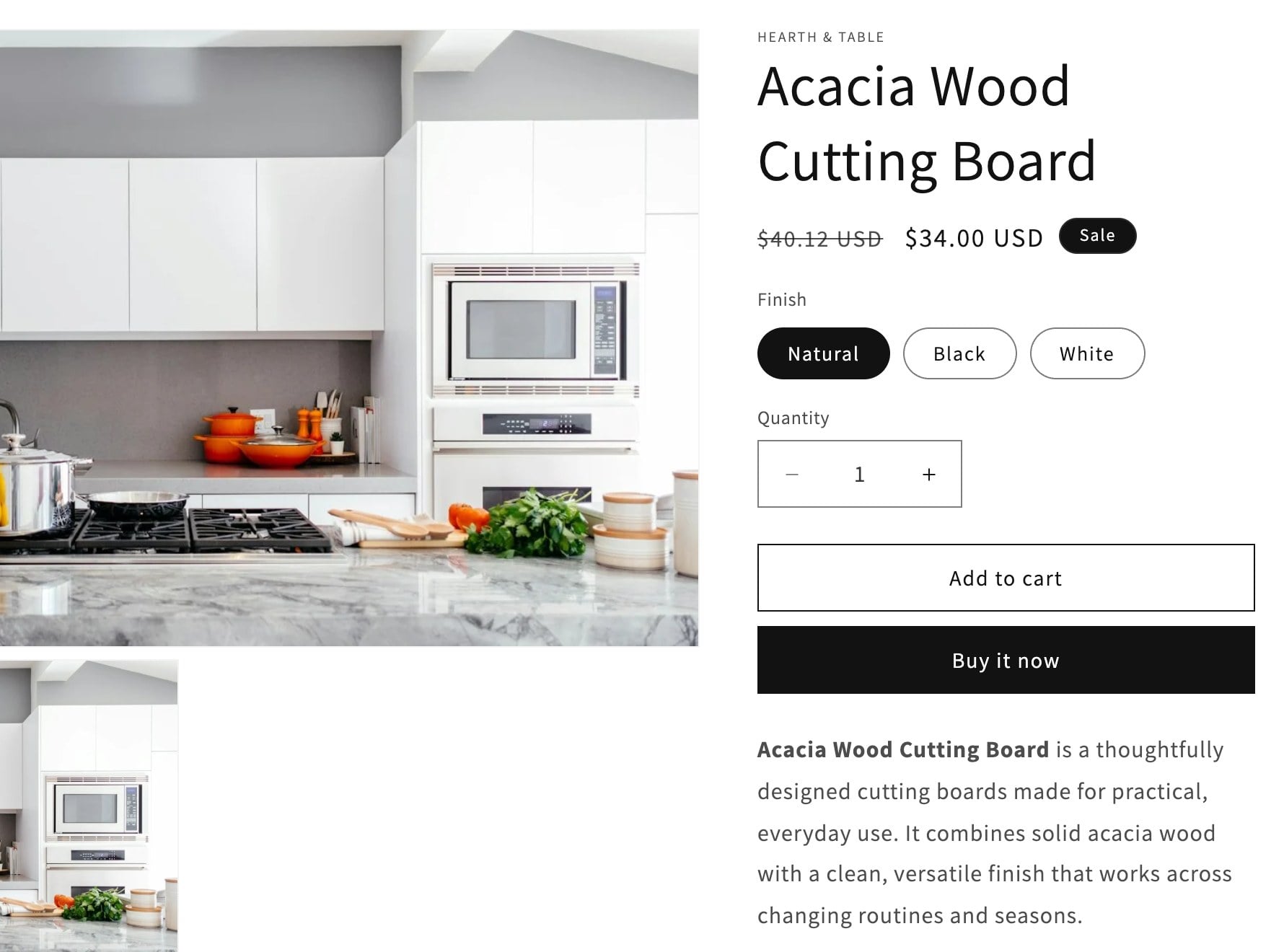
SmartCS includes a free built-in engine. For AI engines (OpenAI, Gemini, Grok and DeepSeek), contact us and we'll set them up for your store.
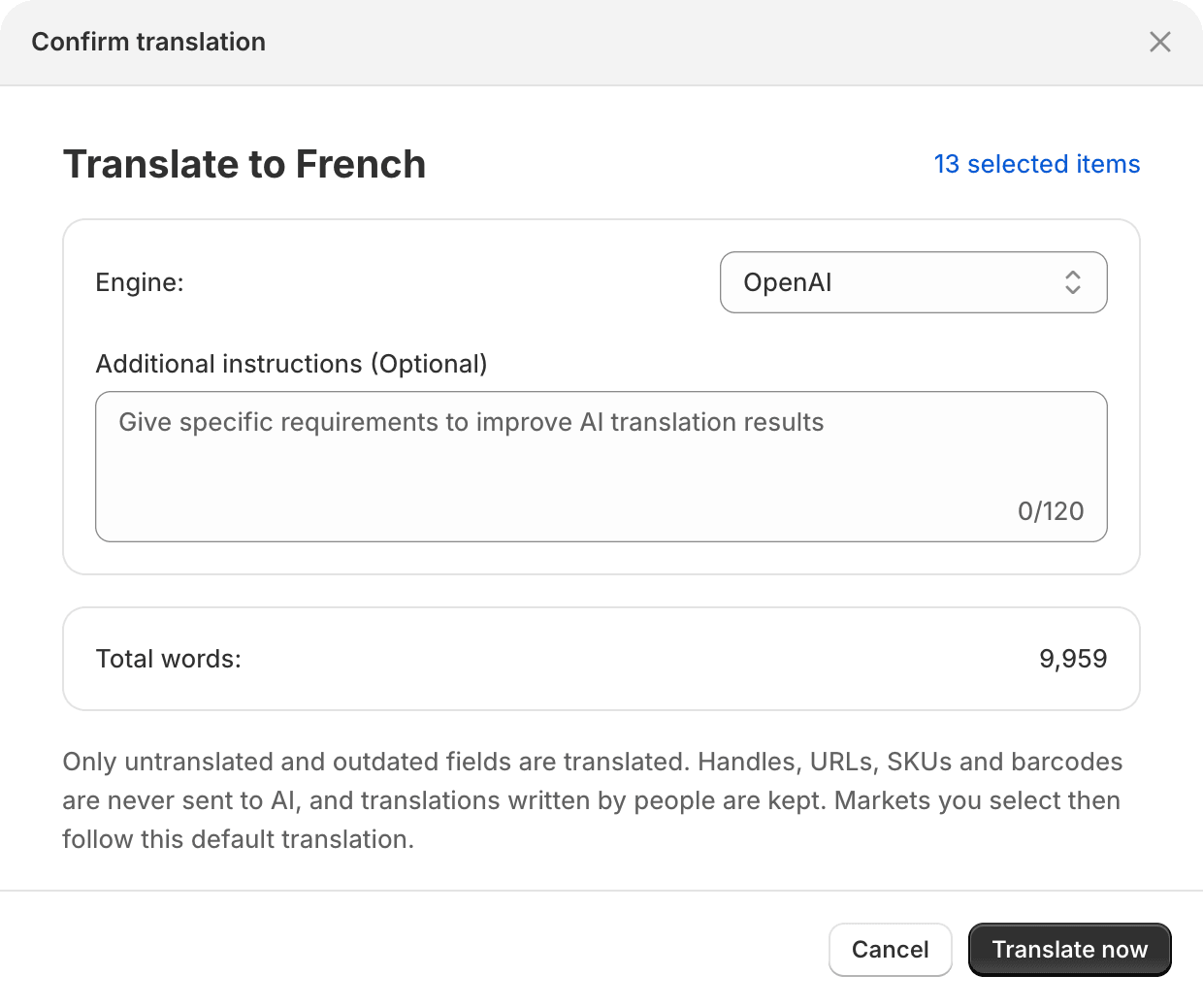
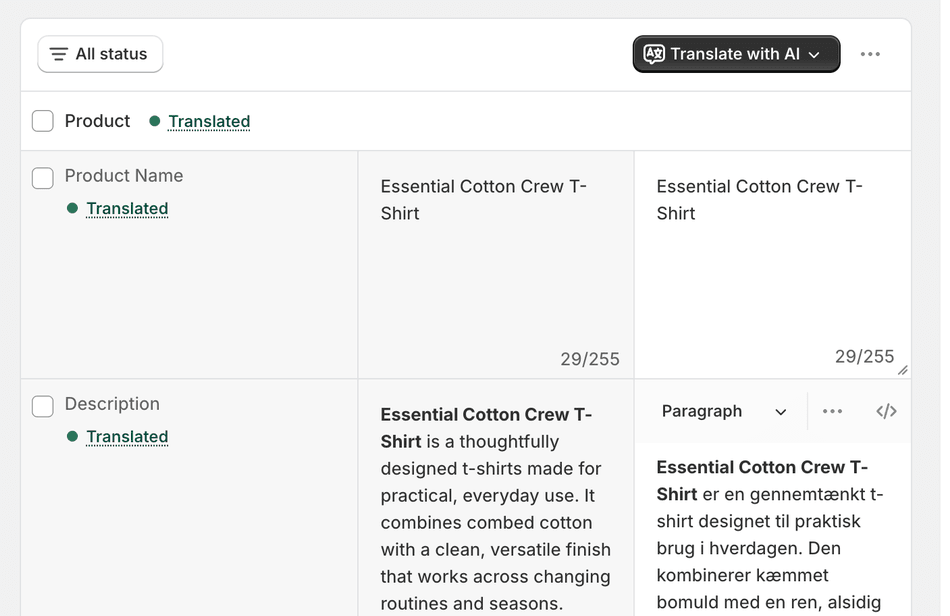
The Confirm translation step shows the engine, the number of words and what will be translated. Nothing runs until you confirm.
Turn on a rule and new or changed products and collections are translated without opening the app. A translation someone wrote by hand is never replaced.
Glossary rules, blocked elements and manual edits decide the final text. Later runs keep what a person wrote.
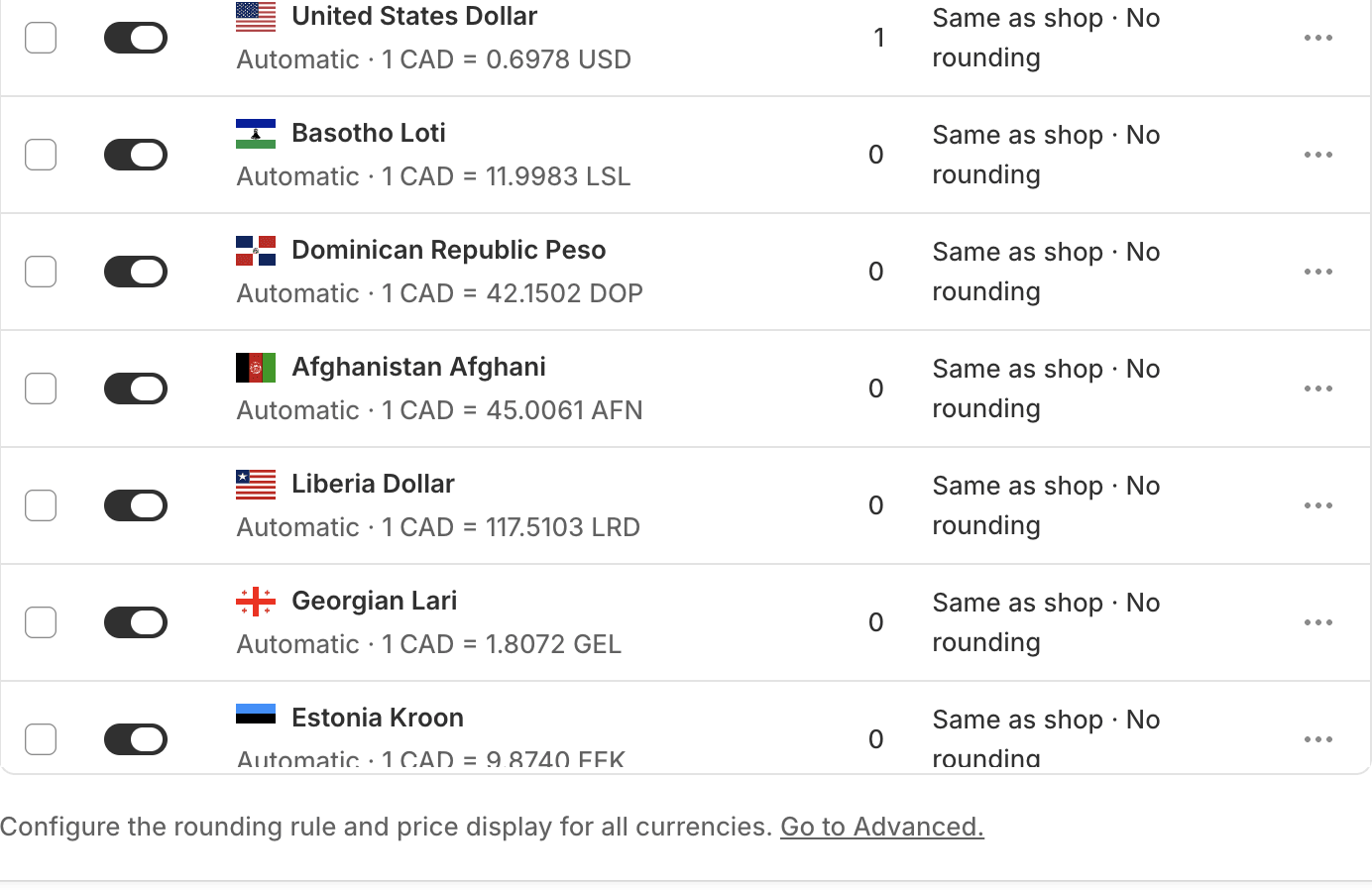
Each example is a rule you can build in the app, for all currencies or for one.
Direct conversion€24.37
Your price€24.99
 Round up to .99
Rates come from Open Exchange Rates and update once a day. Prefer to control them yourself? Set a fixed rate on any currency, or keep the daily rate and add a markup.
Converted prices are a display feature: Shopify charges in your store's currency unless you run Markets mode. A notice in the cart says so, in your own words and colours, before it becomes a surprise at the payment step.
Prices are displayed in EUR. Your card will be charged in USD.
67,33 €
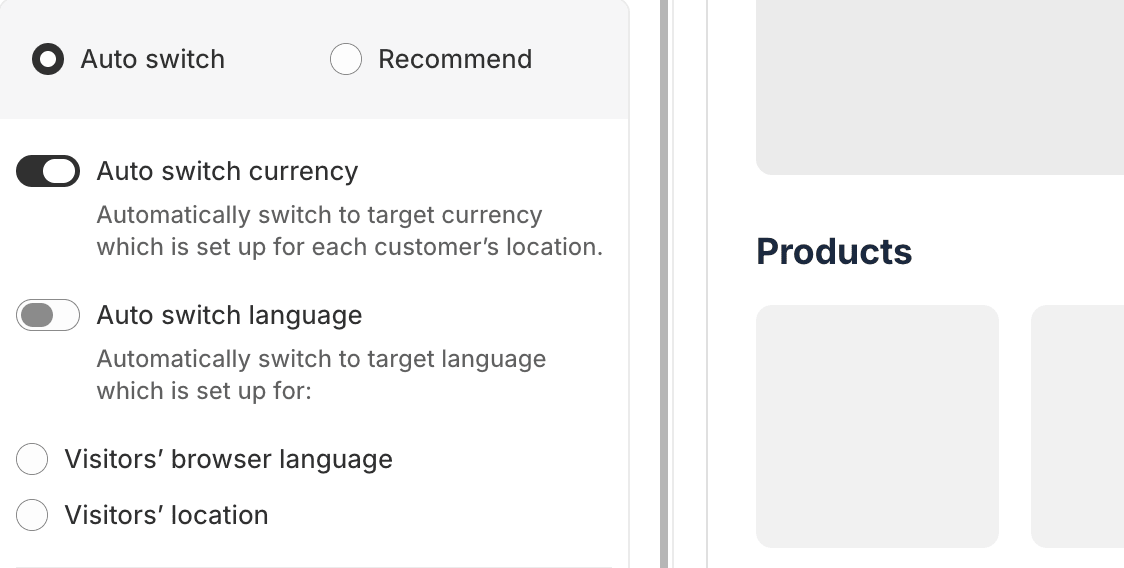
The app reads where the shopper is. On their first visit it either switches to the matching currency and language, or asks them first in a pop-up.
Detected: Brazil BRL
Set desktop and mobile separately, and see every change in a live preview before you publish.
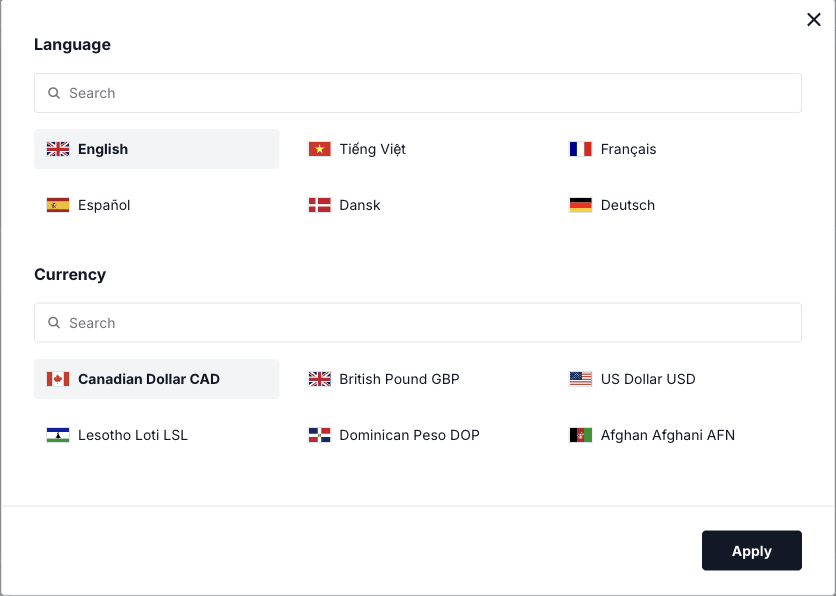
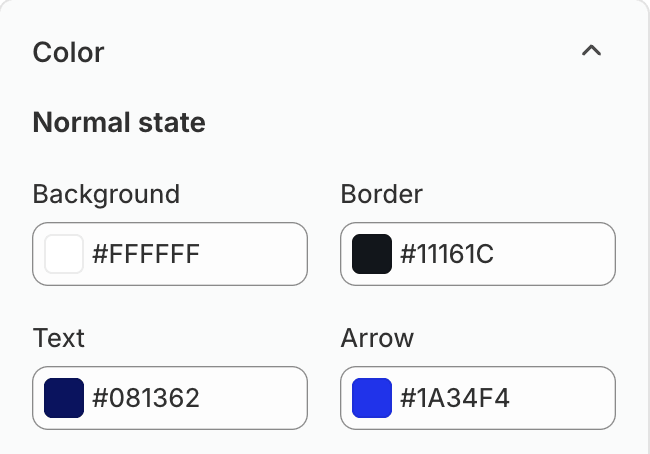
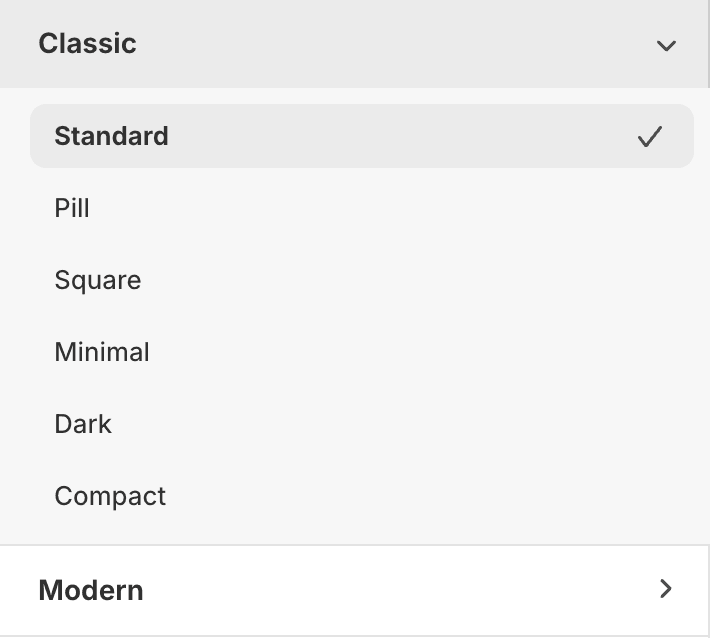
Six Classic and three Modern. The Free plan uses the default design. To use the other templates, contact us and we'll set them up for your store.
Most stores run a currency picker from one app and a language picker from another, in two styles competing for the same header space.
 USD $EUR €
 GBP £English
 Français
 Deutsch
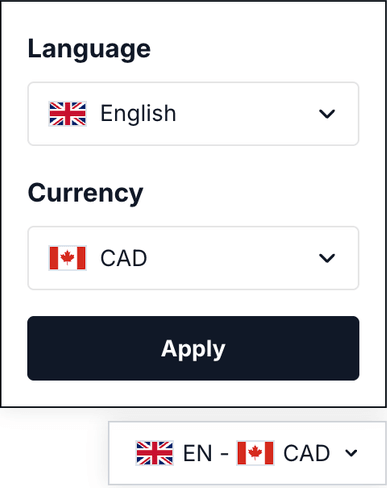
The switcher reads the shopper's location on their first visit. It can switch currency and language for them, or suggest the switch in a pop-up and let them decide.
One product, shown in five languages
store.com/products/Englishstore.com/fr/Frenchstore.com/de/German
store.com/ja/Japanesestore.com/pt-br/Brazilian PortugueseA translated page with an English meta description still shows English in search results. The meta title and meta description are translated with the rest of your content.
store.com/
Red Running Shoes | Lightweight Trail
Breathable mesh upper, 240 g, made for long days on mixed terrain. Free returns within 30 days.
store.com/
Chaussures de course rouges | Trail léger
Tige en mesh respirant, 240 g, conçues pour les longues sorties sur terrain mixte. Retours gratuits sous 30 jours.
Shopify generates them in its own markup, so search engines can match each page to its language.
<link rel="alternate" hreflang="en"href="https://store.com/products/red-shoes"><link rel="alternate" hreflang="fr"href="https://store.com/fr/products/chaussures-rouges"><link rel="alternate" hreflang="de"href="https://store.com/de/products/rote-schuhe"><link rel="alternate" hreflang="ja"href="https://store.com/ja/products/akai-kutsu"><link rel="alternate" hreflang="x-default"href="https://store.com/products/red-shoes">The switcher runs from a theme app extension, and its settings live in app metafields.
Settings travel in app metafields, and the App Embed block reads them when the page renders. No theme file is ever written.
The storefront widget lives in its own shadow root, so your theme's CSS and JavaScript cannot reach it, and it cannot reach yours.
The switcher loads from a single deferred script, so it never blocks your page from rendering.
Translated text is registered through Shopify's Translations API, so /fr/ URLs and hreflang come from Shopify, not from the app.
The App Embed goes with the app. Nothing was written into your theme files, so there is nothing to clean out.
Need more? Contact us and we'll raise the limits for your store.
150+ currencies, up to 19 languages per store, and no edits to your theme code.
4.7out of 5 on the Shopify App Store