Converted prices that don't look converted
Choose a rule and see what €24.37 becomes.
Direct conversion €24.37
Your price
Round up to .99: €24.99
150+ currencies, priced locally
Each one has its own rate, symbol and number format, so a price in São Paulo reads the way a Brazilian expects.
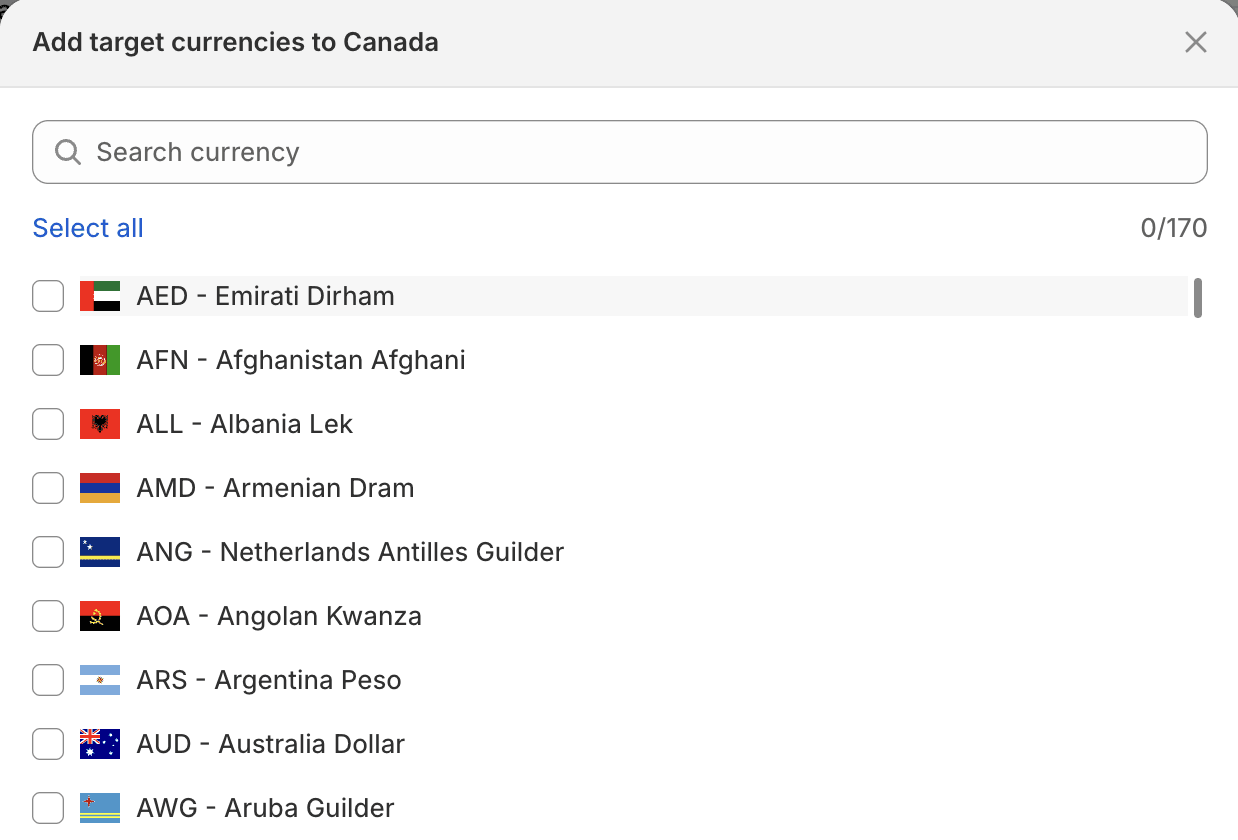
Showing 72 of 150+ supported currencies
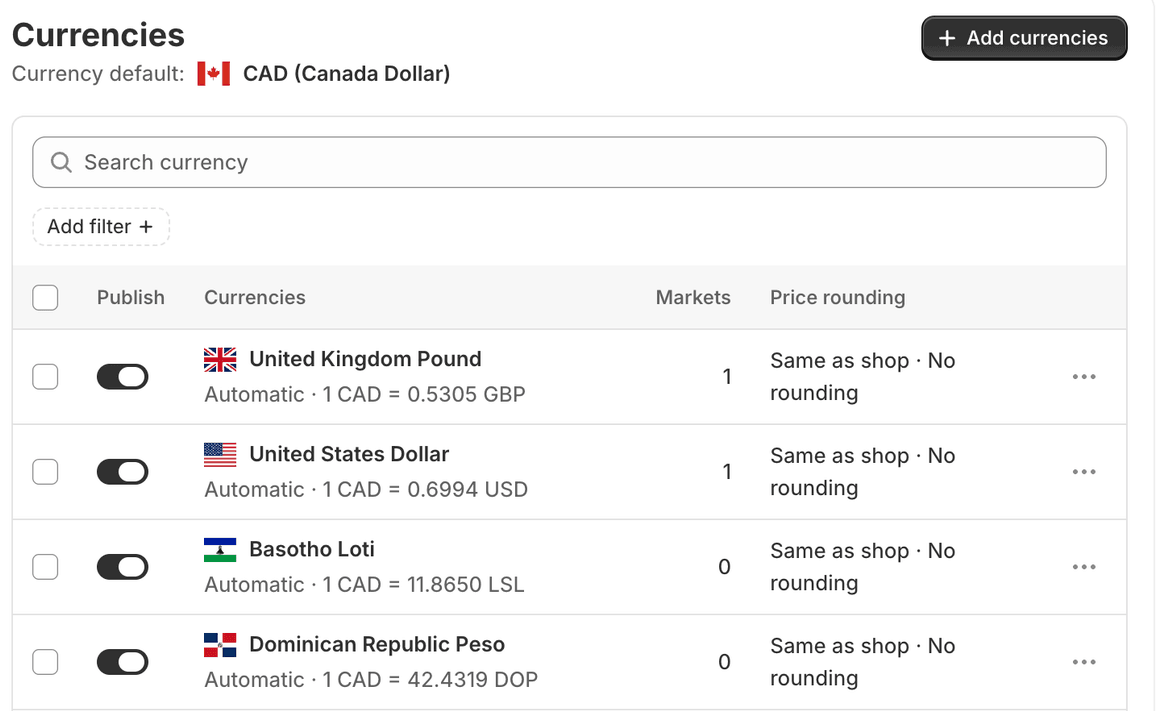
Rates refresh every day
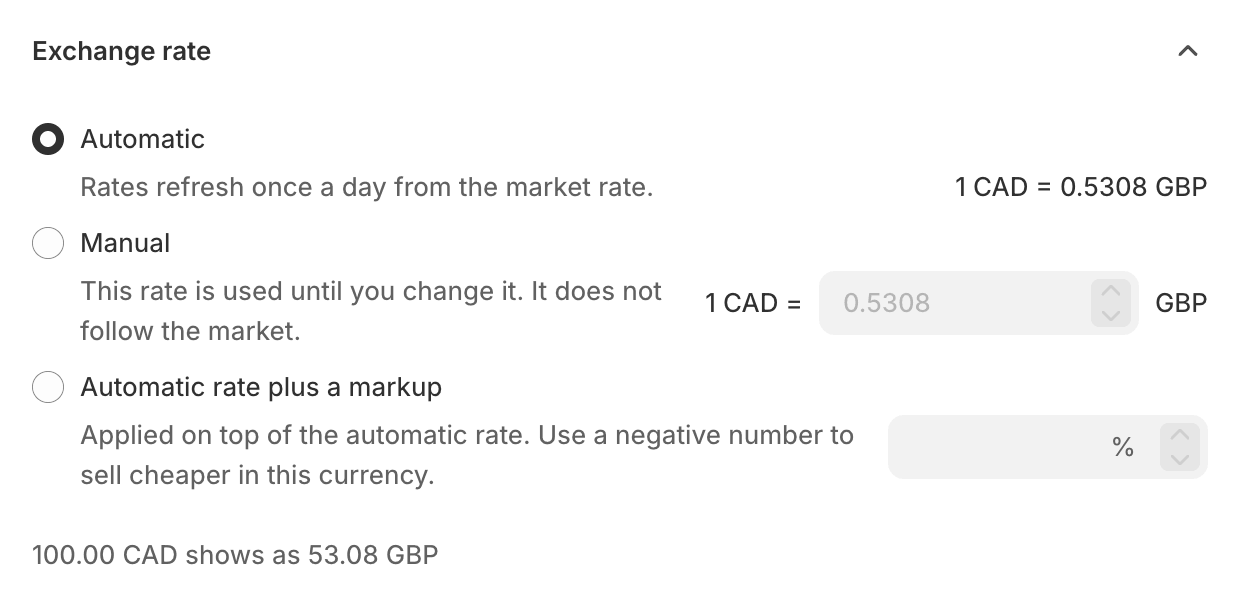
Rates come from Open Exchange Rates and update once a day. Prefer to control them yourself? Set a fixed rate on any currency, or keep the daily rate and add a markup.
EUR / USD
1.0842
Rates refresh daily
Tell shoppers before checkout
Converted prices are a display feature: Shopify charges in your store's currency unless you run Markets mode. A notice in the cart says so, in your own words and colours, before it becomes a surprise at the payment step.
Bar background
Bar text
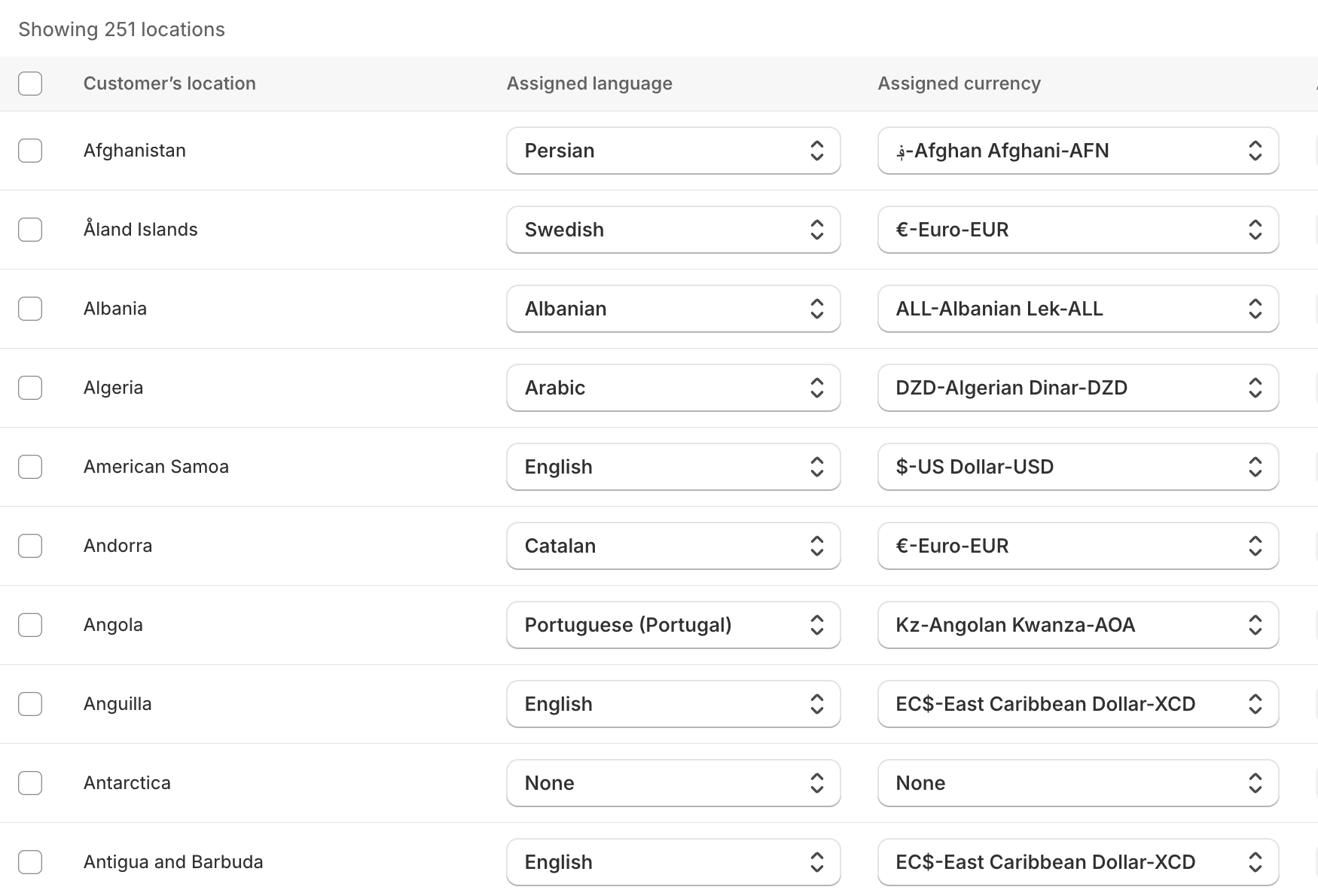
Open in the right currency
The app reads where the shopper is. On their first visit it either switches to the matching currency and language, or asks them first in a pop-up.
- Switch automatically
- Contact us to turn this on
- Ask in a pop-up first
- Contact us to turn this on

Two ways to show local prices
Convert prices on the page and check out in your store's currency, or let Shopify Markets convert them and check out in the shopper's currency.
| Currency switcher | Markets mode | |
|---|---|---|
| Who converts the price | The app, in the shopper's browser | Shopify Markets |
| Currency at checkout | Your store's currency | The shopper's currency |
| Requires Shopify Payments | No | Yes |
| Available to | Every store | Contact us to turn this on |
| What this app provides | Conversion, rounding and the switcher | The switcher, and currencies added to your markets |
Markets mode needs Shopify Payments. Contact us and we'll set it up for your store.