Checkout, payment and theme text
Translate the fixed words of your theme and the names of your payment and shipping methods, and see which checkout text SmartCS leaves out.
Translate the fixed words of your theme, such as buttons and labels, and the names of your payment and shipping methods. Your shoppers see the theme words in the cart, and the payment and shipping names at checkout.
Before you start
- Add and publish the language first. See Add and publish languages.
- Run Синхронизировать контент if you just changed your theme or your payment or shipping methods in Shopify.
Translate theme text
Open Themes
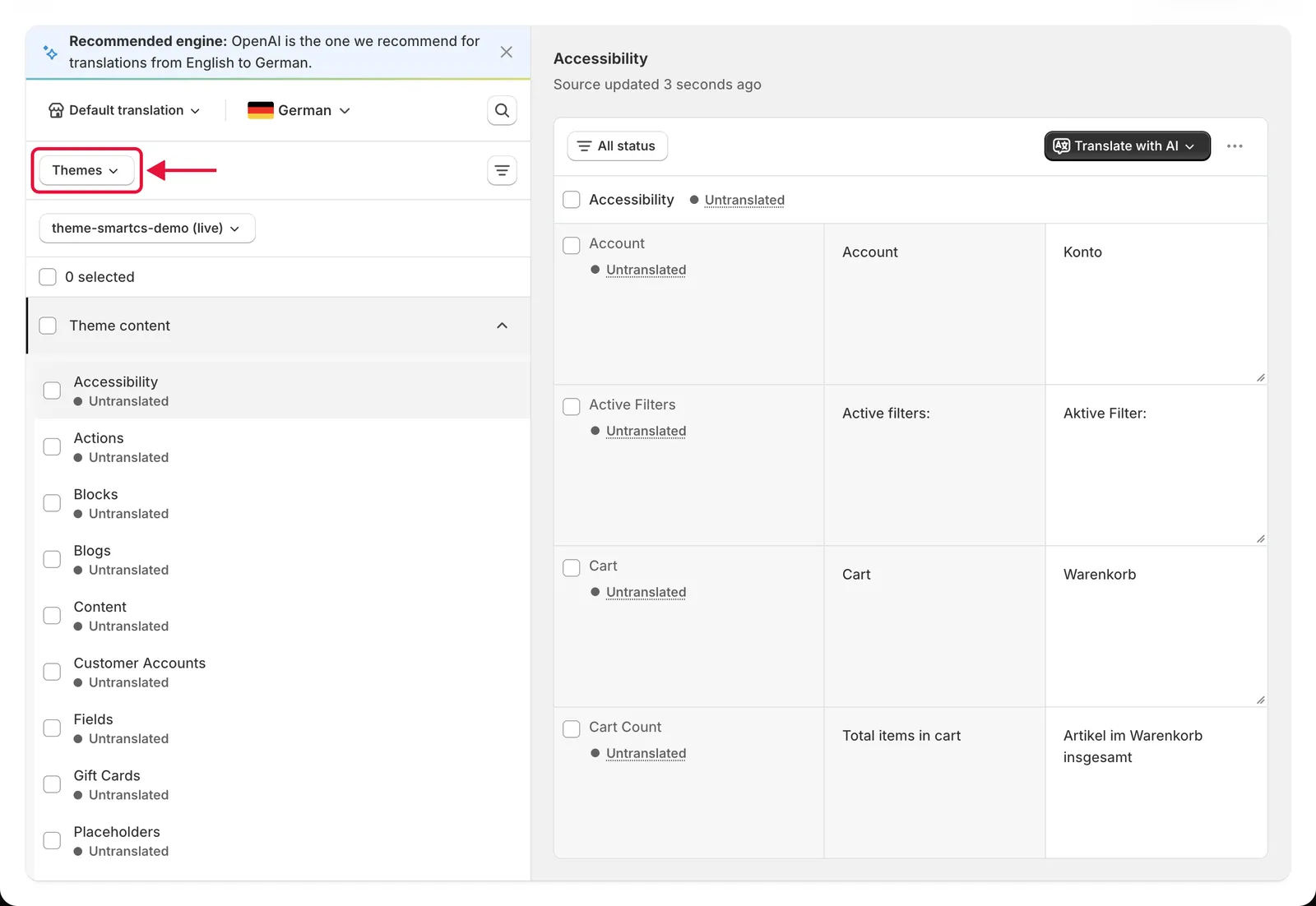
In SmartCS, open Перевод контента and choose the language. In the Ресурсы table, select the Темы row.
Open theme text
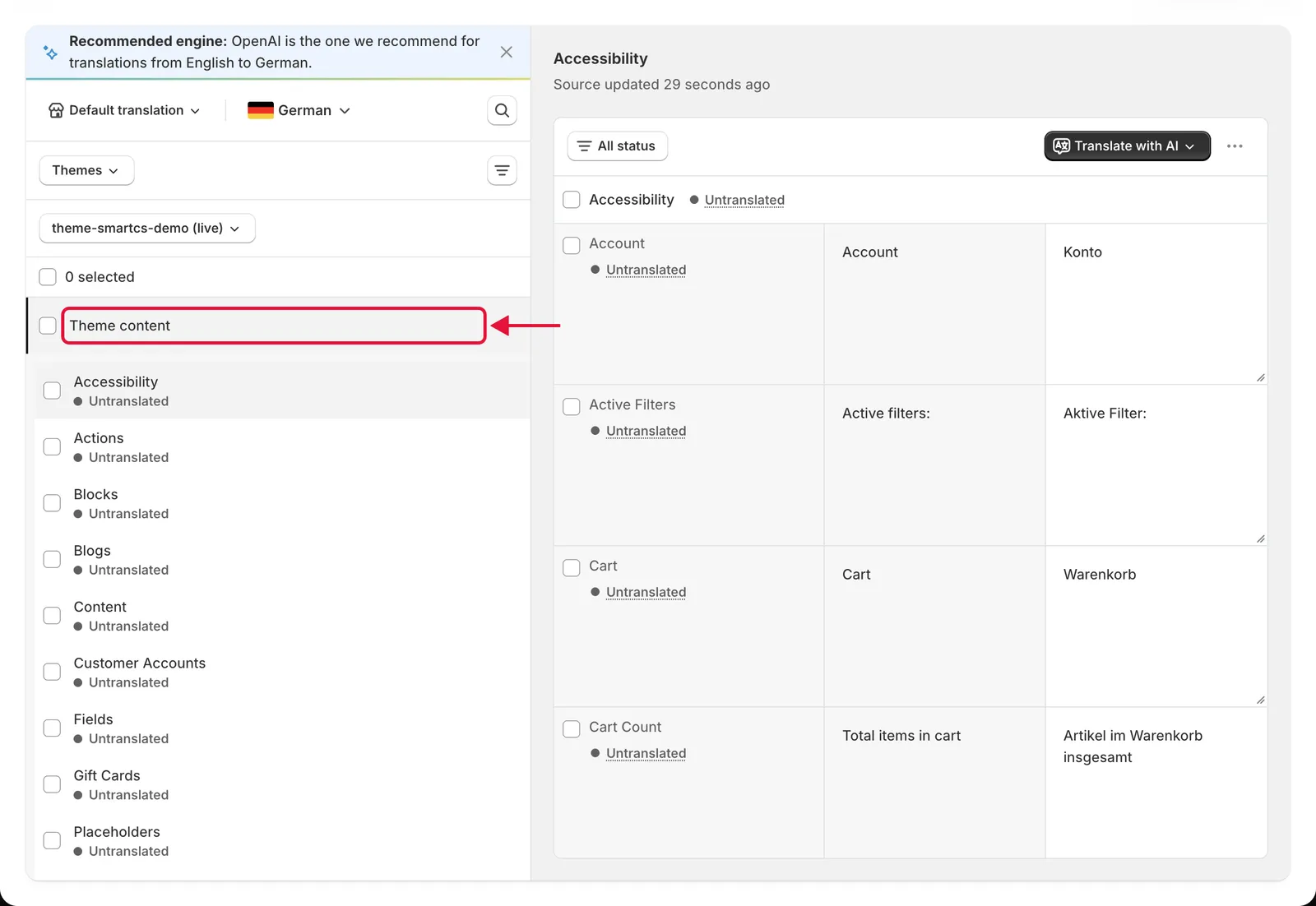
Open the section named "Theme content", which lists the fixed words of your theme, such as the cart and accessibility labels. The other sections hold the text of your templates and sections, and the Smart switcher entry holds the switcher's texts. Each row is one group of words from your theme, such as the cart or accessibility labels. If your store has more than one theme, pick the theme you want from the theme menu. The live theme is marked.
Translate the words
Select a row. The source text is on one side and your translation is on the other. Type the translation, or use AI translation. Then save. See Edit translations manually.
Translate payment and shipping names
Two other groups hold words that shoppers see at checkout.
- Платежи: the name, message and instructions of your payment methods.
- Доставка: the names of your shipping methods.
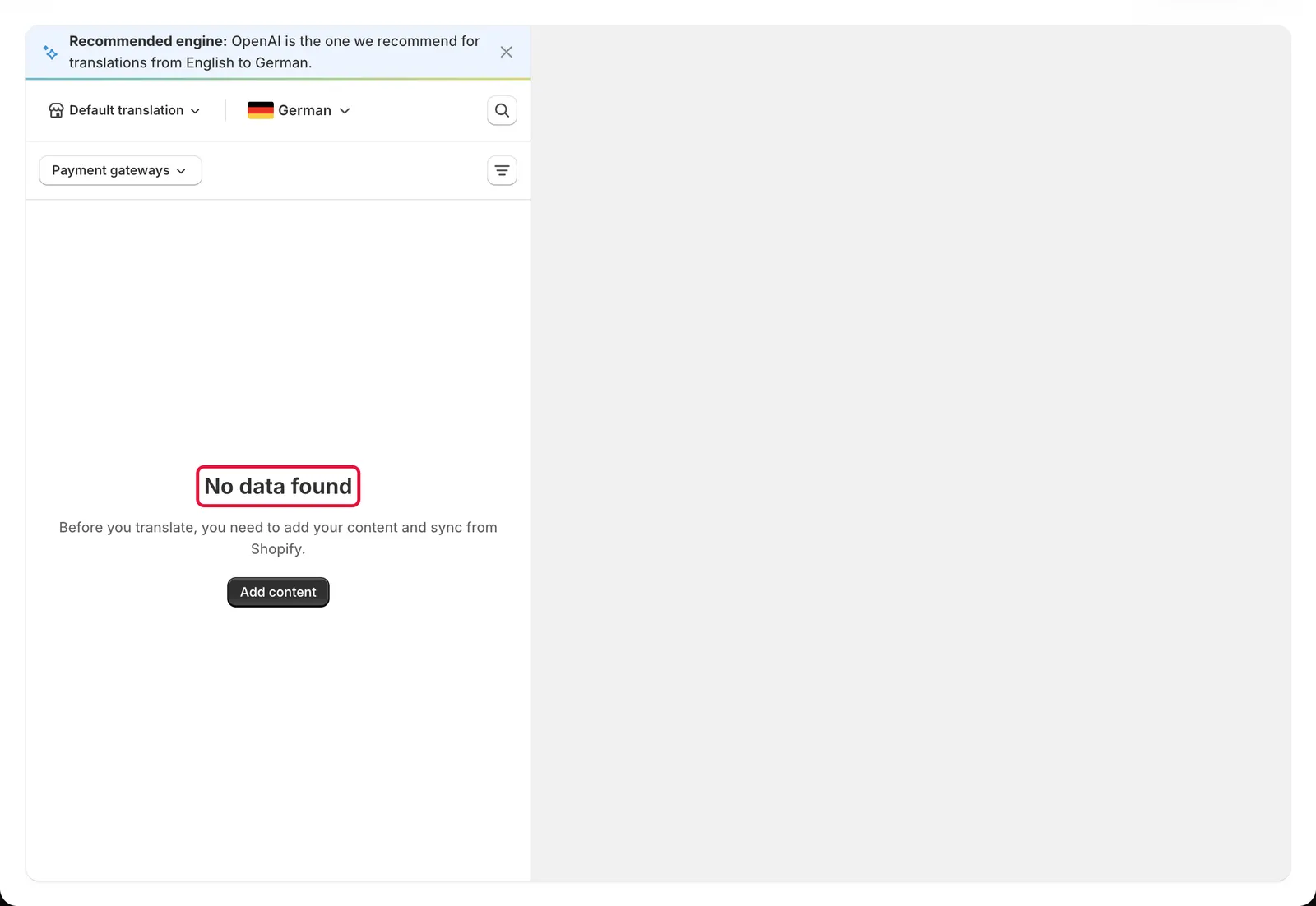
Open a group the same way as Темы. A group is empty when your store has nothing in it to translate.
Good to know
Checkout text from your theme is not translated here
SmartCS blocks the built-in text in your theme's language file, the keys that start with shopify.. This includes the checkout and sentence text. The block covers only that language file, not the text of your templates and sections. The keys are not counted, sent to a translation engine or saved. The block keeps your theme under Shopify's limit of 3,400 translated keys for one language. You cannot turn it off, and it does not appear in Blocked elements.
- Payment and shipping names have one translation for the whole store. In a market, they are read-only.
- Theme text in a market follows the rules in Default and market translations.
- Translating the theme text of a language does not publish the language. Publish it in Управление рынками, under Языки.
Похожие статьи
Email notifications and packing slips
Translate the email notifications Shopify sends to customers, and the packing slip that goes in the parcel.
Content from other apps
See which apps in your store keep text in Shopify, how much of it you can translate, and why some app text cannot be translated here.
Последнее обновление: 18 ноября 2026 г.