What is SmartCS
Learn what SmartCS does for your Shopify store and where to find currencies, languages, the switcher and translations in the app.
Learn what SmartCS does for your Shopify store and where to find each part of the app. SmartCS lets shoppers see your store in more currencies and more languages.
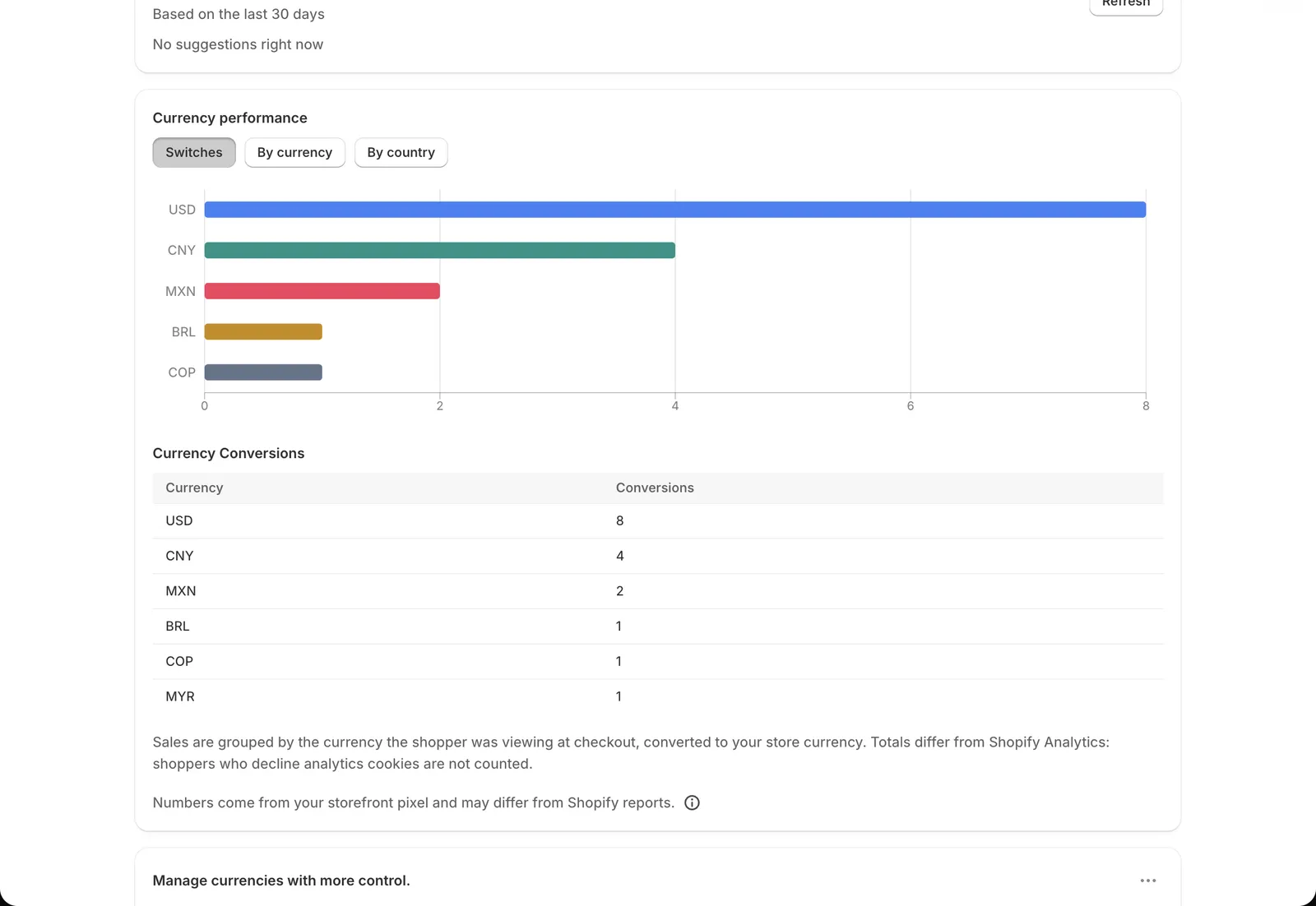
What SmartCS does
SmartCS has four parts that work together:
- Currencies: add the currencies you want to show. SmartCS converts your prices with exchange rates, and you control the price format and rounding.
- Languages and markets: add the languages your store speaks, publish them, and see the Shopify markets your store sells to.
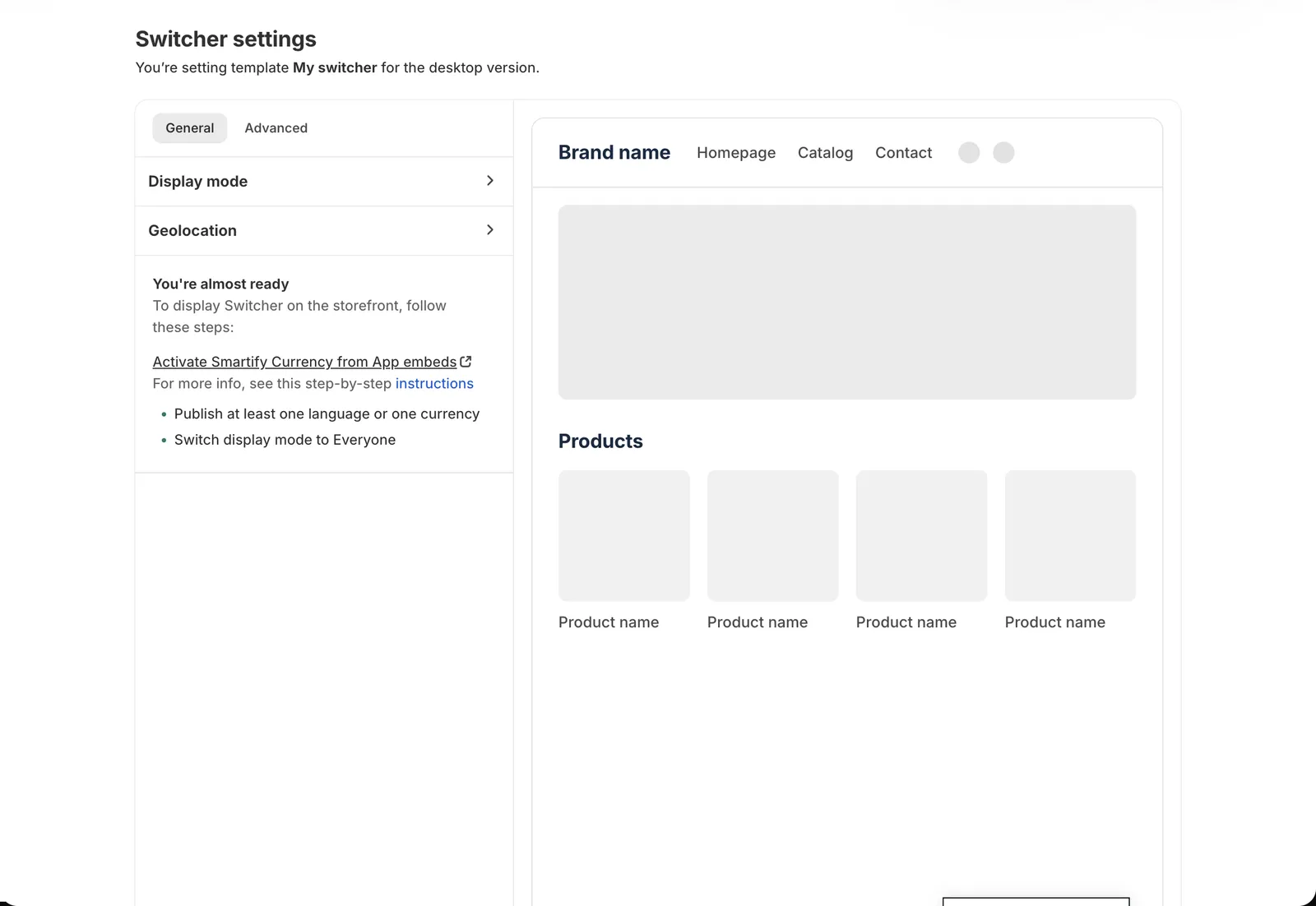
- Switcher: shoppers pick their currency and language in a switcher on your store. You choose its position, style and colors.
- Content translation: translate your products, pages and other content with AI or by hand. You can set rules and automate translation.
Where to find each part
When you open the app, it opens on the 仪表盘 page. It shows your setup guide and your numbers. See Your Home page. The app menu in your Shopify admin lists four more pages:
- 市场管理 holds your languages, markets and currencies.
- 内容翻译 is where you translate and edit content.
- 切换器设置 controls how the switcher looks and where it appears.
- 账户与设置 shows your plan, usage and app settings.
How to start
Run the setup wizard
Open the app after you install it. The setup wizard asks a few questions and adds your first languages and currencies. See Install SmartCS and set up your store.
Finish the Setup guide
Finish the three steps of the Setup guide on the 仪表盘 page. They turn on the app embed and check your money format. See Turn on the SmartCS app embed and Set up your store's money format.
Add languages and currencies
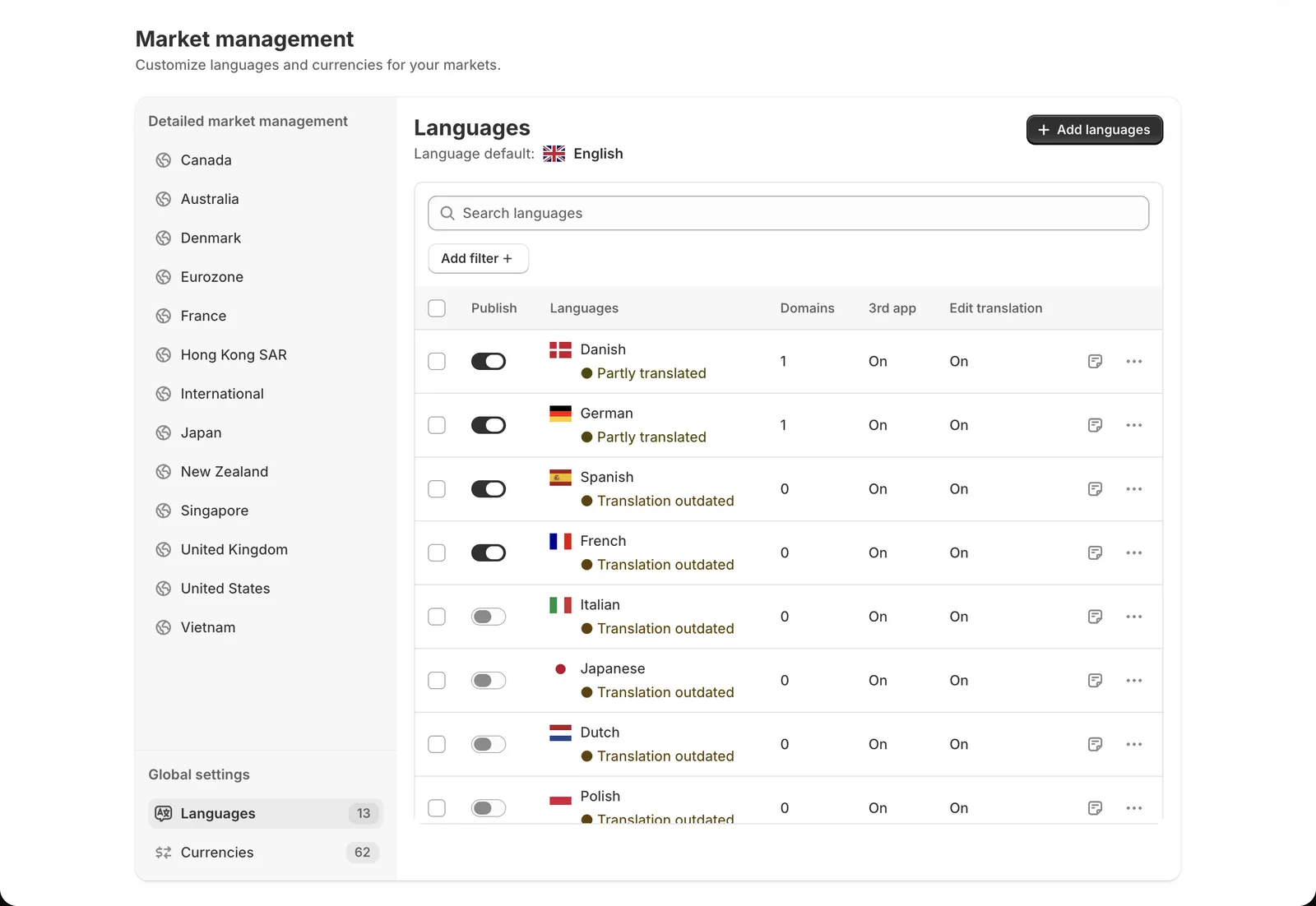
Add more languages and currencies in 市场管理. See Add and publish languages and Add and publish currencies.
Good to know
注意
In Switcher mode, SmartCS converts the prices that shoppers see on your store. Checkout usually uses your store currency, and Shopify decides. See Multiple currencies mode vs Switcher mode.
What your store includes depends on its plan. Read What's free and how to get more to see what you can use now.