Market management
Source language and language limits
See which language is your source language and how many languages your store can add, publish and edit.
尚未提供繁體中文版本,目前顯示英文版。
Learn which language SmartCS translates from, and how many languages your store can use.
Source language
The source language is your store's default language. It is the language you write your products and pages in. SmartCS translates from it into every other language.
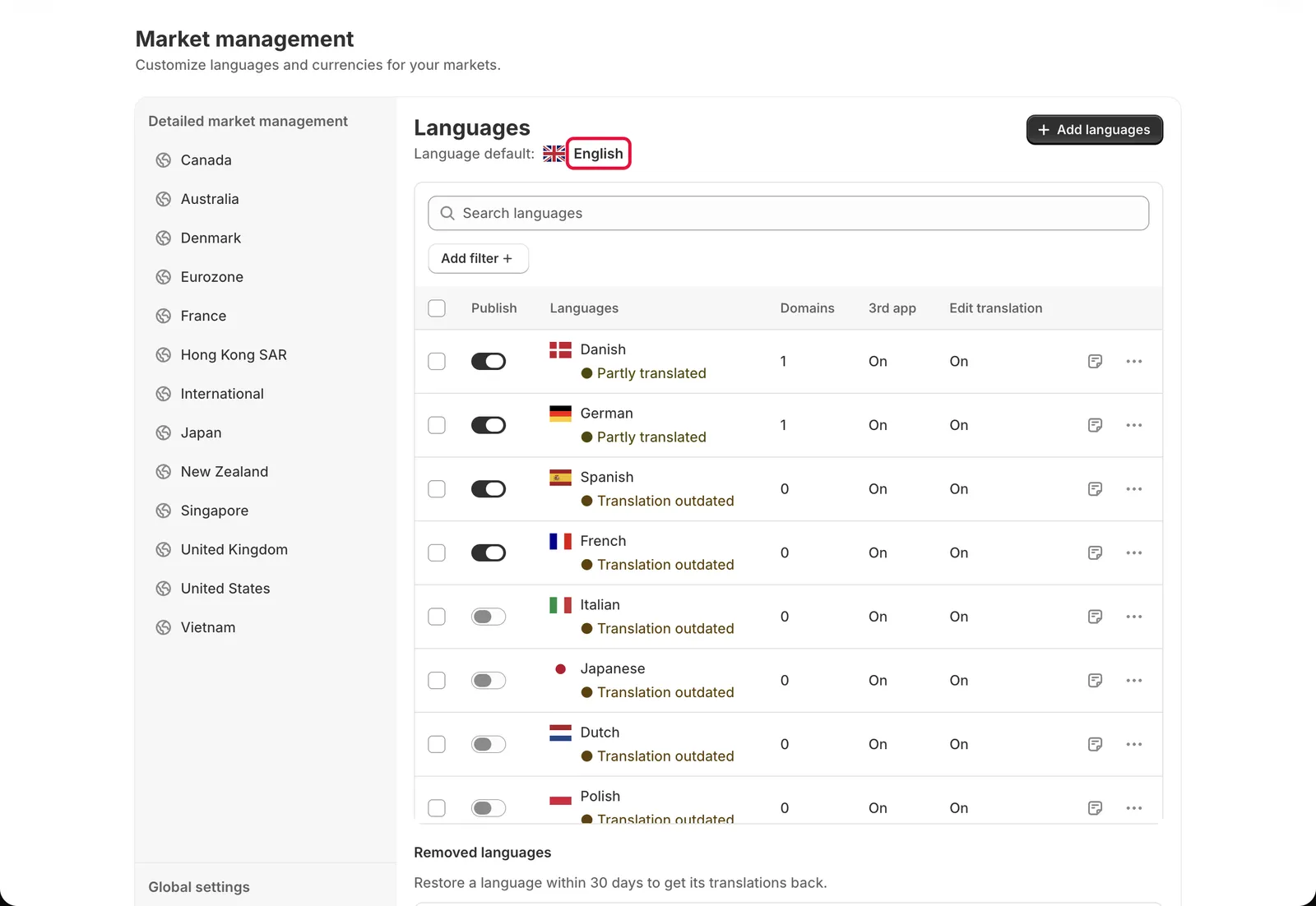
SmartCS reads it from Shopify and cannot change it. You can see it above the table on the 語言 tab. Look for the label 預設語言: It is followed by the language name.
Language limit
Your store can use this many languages, not counting the source language:
Free 方案:1 種語言The same number is a separate ceiling for three things:
- Adding a language. Every language in your store counts, except the source language. It counts even if it is unpublished or has translation edits turned off, and even if someone else added it: you, another app or the Shopify admin.
- Publishing a language. Only published languages count.
- Translation edits. Only languages with edits turned on count. See Turn translation edits on or off.
A language you removed does not count for any of them. See Unpublish, remove and restore languages.
What you see at the limit
- In the 新增新語言 dialog, a banner with the heading 已達到語言上限 appears and you cannot add more. It has a 聯絡我們 button.
- On the row of an unpublished language, a badge (已達上限) appears and its Publish switch is locked.
- A language that you add in Shopify while you have no room appears in the list with translation edits turned off.
Good to know
- Shopify allows up to 20 languages in a store, and the source language is one of them. No plan can go above this.
- If a language is missing from the list in the 新增新語言 dialog, Shopify does not offer it for your store, or you already added it.
- Adding a language to SmartCS does not choose which market shows it. Shopify Markets decides that.