Getting help from our team
Open the support chat from SmartCS, know what the chat shares with our team and find the support email address if the chat does not open.
Contact our team from inside SmartCS with a question, a problem or a request to turn on a feature.
Steps
Open the help link
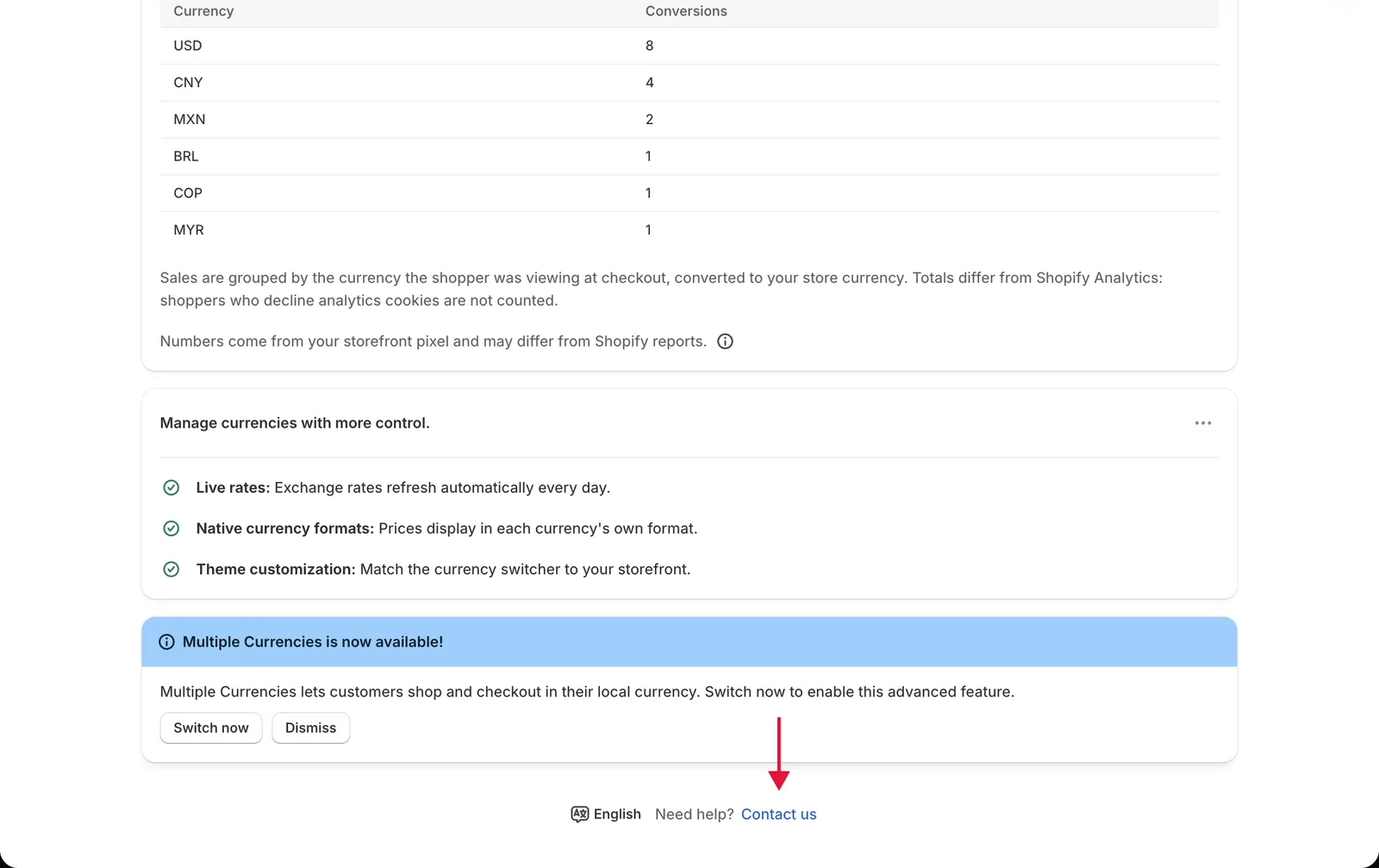
At the bottom of most pages, find the help line and select its link, Neem contact met ons op. The line is not shown in the full-screen editor window.
You can also use the Neem contact met ons op button next to a feature that is not turned on yet. During setup, the chat icon in the top corner, named Contact opnemen met support for screen readers, opens the same chat.
Write your message
The support chat opens. If you came from a locked feature, the chat opens with a greeting and a reply already typed for you. Add what you need, then press Send.
Use email instead
If the chat cannot load, for example because your browser blocks it, your email app opens with our support address. After you select Neem contact met ons op next to a locked feature, a window named Neem contact op via e-mail also shows the address: [email protected].
What the chat shares
The chat is loaded only after you select a support link or button. What SmartCS tells our team depends on where you started:
- From the help line, the chat icon during setup or the task progress link: your store domain and whether your plan has a price.
- From a locked feature: the same two details, plus the name of the feature, your usage and limit for it where there are some, and the screen or control you clicked from.
On a locked feature, your click is also recorded for our team, even if you do not send the message. The record holds the feature, your usage and limit, and the screen you clicked from.
Good to know
When a task fails, the task progress panel shows Neem contact met ons op voor support.. It opens the same chat.
If our team needs access to your store, see Give our team a staff account.
Gerelateerde artikelen
Billing and refund policy
See how charges for SmartCS are made, where to find your billing history, how to cancel a paid plan and where refund terms will appear.
Give our team a staff account
Find out how support access works for SmartCS: what the app asks for, what the chat shares and where to start when you need hands-on help.
Laatst bijgewerkt: 18 november 2026